Maximizing Productivity: A Guide to Choosing the Right Enterprise Collaboration Tool
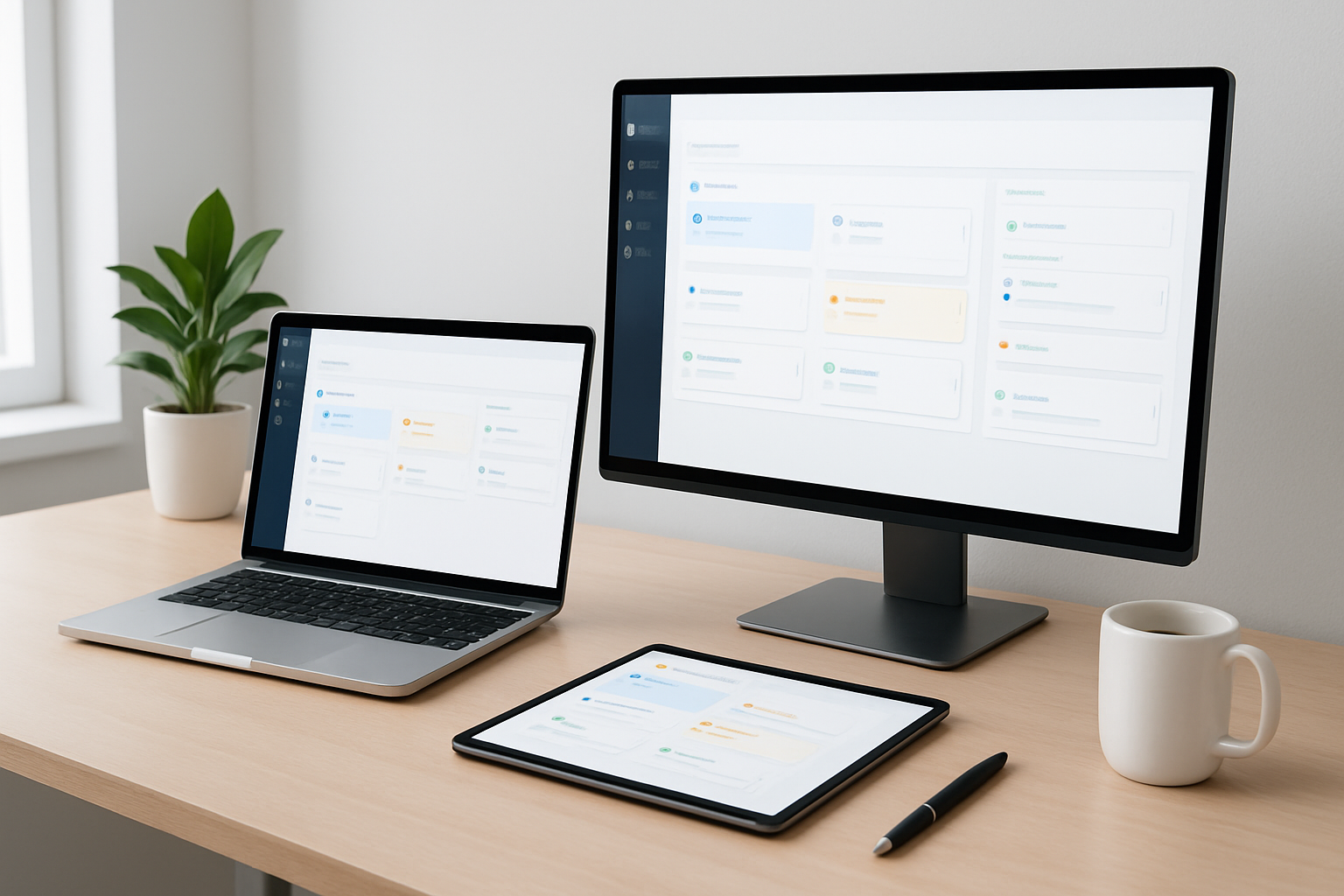
Maximizing Productivity: A Guide to Choosing the Right Enterprise Collaboration Tool
In today’s fast-paced business environment, effective collaboration is crucial for maximizing productivity. With the rise of remote work and global teams, choosing the right enterprise collaboration tool can significantly impact your organization’s efficiency and communication. This guide will help you navigate the options available and make an informed decision.
Understanding Enterprise Collaboration Tools
Enterprise collaboration tools are software solutions that enable teams to work together more effectively, regardless of their physical location. These tools typically include features such as messaging, file sharing, project management, and video conferencing. By utilizing these tools, organizations can streamline workflows, enhance communication, and foster a collaborative culture.
Key Features to Look For
When selecting an enterprise collaboration tool, consider the following key features:
- Real-time Communication: Look for tools that offer instant messaging and video conferencing to facilitate quick discussions and decision-making.
- File Sharing and Storage: Ensure the tool provides secure file sharing and cloud storage options for easy access to documents and resources.
- Task and Project Management: A built-in project management feature can help teams track progress, assign tasks, and manage deadlines effectively.
- Integration Capabilities: Choose a tool that integrates seamlessly with other software your organization uses, such as CRM systems, email platforms, and productivity apps.
- User-Friendly Interface: A simple and intuitive interface will encourage adoption among team members and reduce the learning curve.
Assessing Your Team’s Needs
Before making a decision, it’s essential to assess your team’s specific needs. Consider the following questions:
- What is the size of your team?
- What types of projects do you typically work on?
- How often do team members need to communicate in real-time?
- What existing tools do you currently use, and how do you want to integrate them?
- What is your budget for collaboration tools?
Evaluating Popular Collaboration Tools
There are numerous enterprise collaboration tools available in the market. Here are a few popular options to consider:
- Slack: Known for its messaging capabilities, Slack also offers file sharing, integrations, and channels for organized discussions.
- Microsoft Teams: A comprehensive tool that combines chat, video conferencing, and integration with Microsoft Office applications.
- Trello: Primarily a project management tool, Trello allows teams to visualize tasks and collaborate efficiently.
- Asana: A robust project management platform that helps teams track their work and deadlines while facilitating communication.
- Zoom: While primarily a video conferencing tool, Zoom offers features for webinars and virtual events, enhancing remote collaboration.
Implementing the Chosen Tool
Once you’ve selected the right collaboration tool for your team, the next step is implementation. Here are some best practices:
- Provide Training: Offer training sessions to ensure all team members understand how to use the tool effectively.
- Encourage Adoption: Promote the tool’s benefits and encourage team members to use it regularly to foster a collaborative culture.
- Gather Feedback: Regularly solicit feedback from users to identify any challenges and make necessary adjustments.
Conclusion
Choosing the right enterprise collaboration tool is a vital step toward maximizing productivity and fostering a collaborative work environment. By understanding your team’s needs, evaluating available options, and implementing best practices, you can enhance communication and drive success in your organization. Remember, the right tool can transform the way your team collaborates and ultimately achieve your business goals.
Este artigo faz parte do nosso blog. Veja-o na lista e descubra mais.
Ver todos os artigosSimplifique o seu apoio ao cliente. Organize tickets, responda mais rápido e mantenha a equipa alinhada.
Agendar Demonstração