Top 10 Common Technical Issues and How to Resolve Them
Top 10 Common Technical Issues and How to Resolve Them
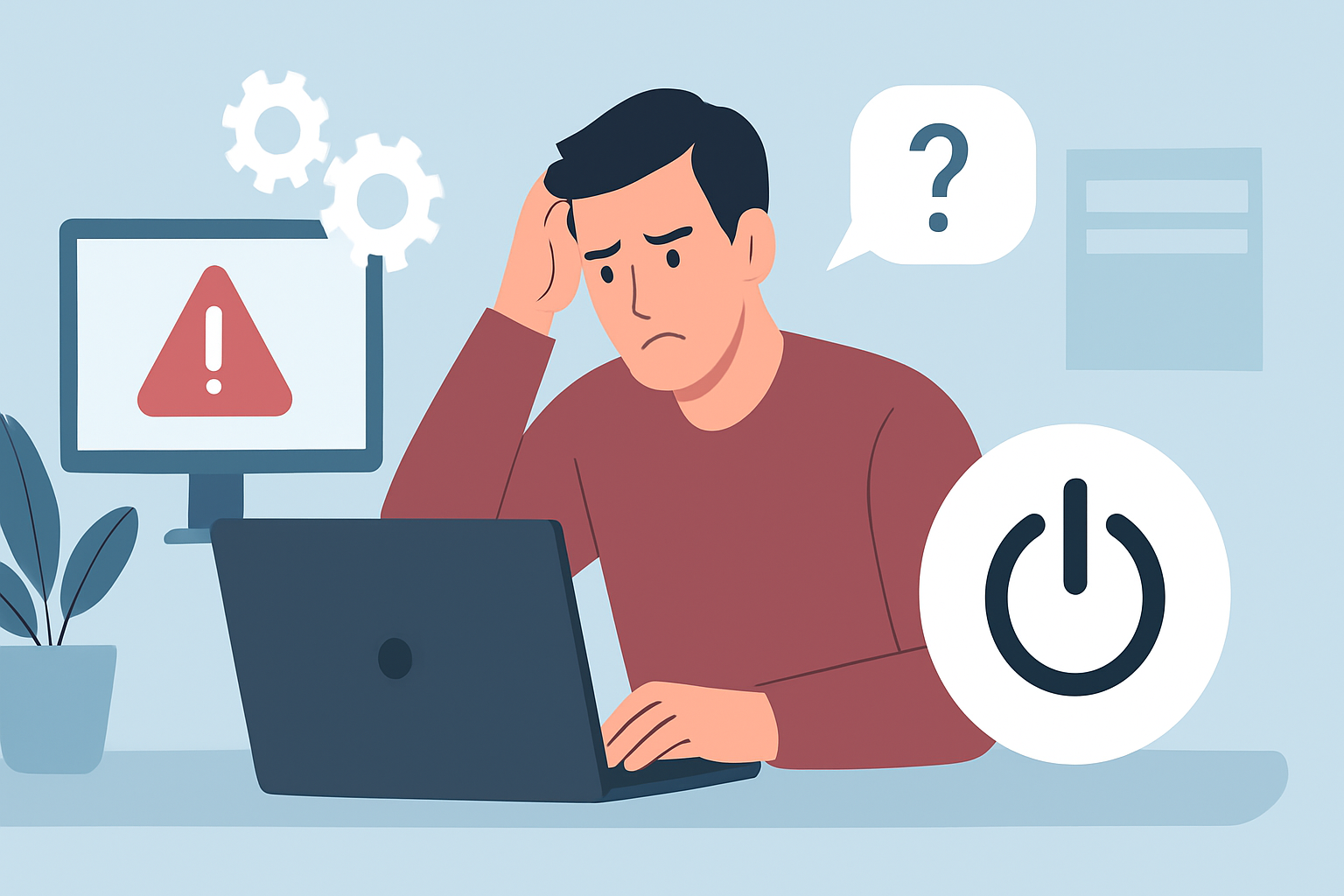
In today’s fast-paced digital world, technical issues can arise at any moment, causing frustration and downtime. Understanding these common problems and knowing how to resolve them can save you time and stress. Here, we present the top 10 technical issues and practical solutions for each.
1. Slow Computer Performance
If your computer is running slowly, it might be due to several factors such as lack of storage space, too many background applications, or outdated hardware. To resolve this:
- Close unnecessary applications running in the background.
- Free up disk space by deleting files you no longer need.
- Consider upgrading your RAM or switching to an SSD for better performance.
2. Internet Connectivity Issues
Having trouble connecting to the internet can be frustrating. Here are steps to troubleshoot:
- Check if your modem and router are powered on and properly connected.
- Restart your router and modem.
- Ensure that your device’s Wi-Fi is turned on and airplane mode is off.
3. Software Crashes
Software applications may crash unexpectedly. To resolve this issue:
- Update the software to the latest version.
- Check for compatibility issues with your operating system.
- Reinstall the application if problems persist.
4. Printer Not Responding
When your printer fails to respond, it can halt productivity. Here’s how to fix it:
- Ensure the printer is turned on and connected to the correct network.
- Check for any paper jams or low ink levels.
- Update or reinstall the printer drivers.
5. Virus or Malware Infections
Malware can severely affect your system’s performance. To protect your device:
- Install reputable antivirus software and run regular scans.
- Keep your operating system and software updated to close security vulnerabilities.
- Be cautious when downloading files or clicking on unknown links.
6. Email Delivery Issues
If your emails are not being delivered, consider these troubleshooting steps:
- Check your internet connection.
- Ensure you have entered the correct email address.
- Look in your spam folder to see if your email was misdirected.
7. Operating System Errors
Operating system errors can be daunting. To tackle them:
- Restart your computer to see if the issue resolves itself.
- Run a system file check using built-in tools.
- Consider restoring your system to a previous state or reinstalling the OS if necessary.
8. Browser Issues
Slow or unresponsive browsers can hinder your online experience. Try these fixes:
- Clear your browser cache and cookies.
- Disable unnecessary extensions.
- Consider resetting your browser settings to default.
9. Bluetooth Connectivity Problems
If your Bluetooth devices are not connecting, follow these steps:
- Ensure Bluetooth is enabled on both devices.
- Remove and re-pair the Bluetooth devices.
- Check for software updates for your devices.
10. File Corruption
Corrupted files can lead to data loss and frustration. To address this issue:
- Try to recover the file using built-in recovery tools.
- Back up important files regularly to avoid losing data.
- Use file repair software if necessary.
Conclusion
Technical issues are an inevitable part of using technology. By understanding these common problems and their solutions, you can navigate challenges more effectively and maintain productivity. Remember to stay proactive about maintenance and updates to minimize the occurrence of these issues in the future.
Este artigo faz parte do nosso blog. Veja-o na lista e descubra mais.
Ver todos os artigosSimplifique o seu apoio ao cliente. Organize tickets, responda mais rápido e mantenha a equipa alinhada.
Agendar Demonstração