Understanding the Key Differences Between Helpdesk and Technical Support
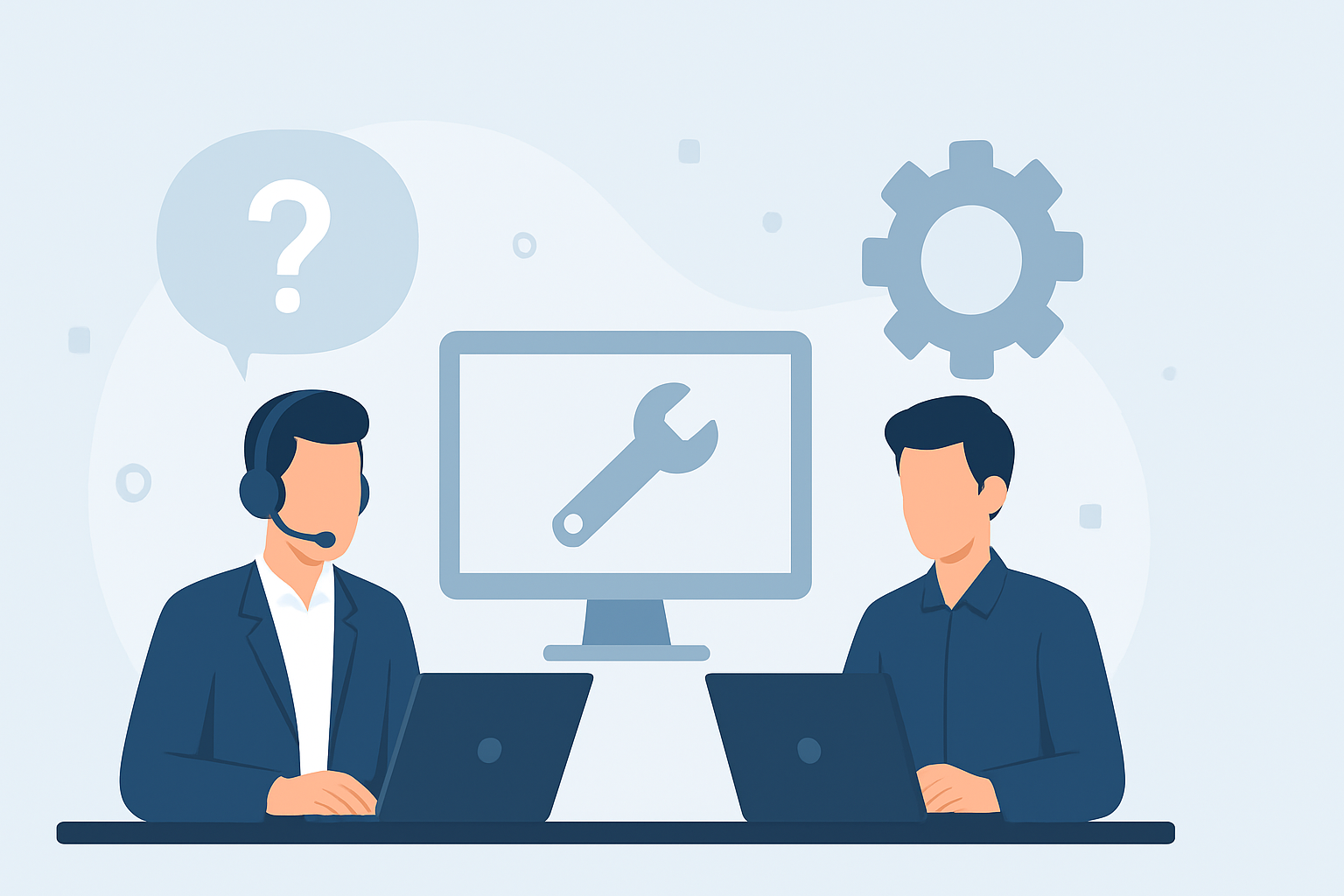
Understanding the Key Differences Between Helpdesk and Technical Support
In today's fast-paced digital world, businesses rely heavily on technology to streamline operations and enhance customer experiences. As a result, the demand for effective support services has skyrocketed. Two commonly used terms in this domain are "Helpdesk" and "Technical Support." While these terms are often used interchangeably, they represent distinct functions within the IT support ecosystem. This article aims to clarify the key differences between helpdesk and technical support, helping businesses make informed decisions when it comes to their support services.
What is Helpdesk?
A helpdesk is primarily a service that provides a centralized point of contact for users seeking assistance with their IT-related issues. The primary goal of a helpdesk is to resolve user problems quickly and efficiently, ensuring minimal disruption to their work. Helpdesk services typically handle a variety of tasks, including:
- Receiving and logging user inquiries and support requests.
- Providing basic troubleshooting and guidance for common issues.
- Managing incidents and service requests through ticketing systems.
- Escalating issues to higher-level support when necessary.
- Offering information about products, services, and procedures.
Helpdesk staff usually possess a broad understanding of the organization's IT environment and are trained to address general user concerns. They serve as the first line of defense in support operations, aiming to resolve issues quickly and efficiently.
What is Technical Support?
Technical support, on the other hand, refers to a more specialized service that focuses on resolving complex technical issues related to software, hardware, or network systems. Technical support professionals have in-depth knowledge and expertise in specific technologies and are equipped to handle more advanced problems. Their responsibilities may include:
- Troubleshooting and resolving technical issues that require specialized knowledge.
- Providing assistance with installations, configurations, and upgrades.
- Conducting diagnostics and analysis to identify root causes of problems.
- Collaborating with developers and engineers to resolve product-related issues.
- Training users on advanced features and functionalities of products.
Technical support often involves a deeper level of engagement with customers, and support staff may have backgrounds in IT, engineering, or related fields.
Key Differences Between Helpdesk and Technical Support
Understanding the differences between helpdesk and technical support is crucial for businesses to allocate resources effectively. Here are some of the key distinctions:
- Scope of Services: Helpdesk services focus on general user inquiries and basic troubleshooting, while technical support deals with more complex technical issues.
- Expertise Required: Helpdesk staff require general IT knowledge, whereas technical support professionals need specialized skills and technical expertise.
- Response Time: Helpdesk aims for quick resolutions to keep users productive, while technical support may involve longer resolution times due to the complexity of issues.
- Interaction Level: Helpdesk interactions are often brief and transactional, while technical support may require in-depth discussions and ongoing communication.
Conclusion
In summary, while both helpdesk and technical support play vital roles in IT service management, they serve different purposes and require varying levels of expertise. Businesses should assess their support needs carefully and consider implementing both services to create a comprehensive support strategy. By understanding these key differences, organizations can enhance their customer service, improve user satisfaction, and ensure a more efficient use of their IT resources.
Este artigo faz parte do nosso blog. Veja-o na lista e descubra mais.
Ver todos os artigosSimplifique o seu apoio ao cliente. Organize tickets, responda mais rápido e mantenha a equipa alinhada.
Agendar Demonstração